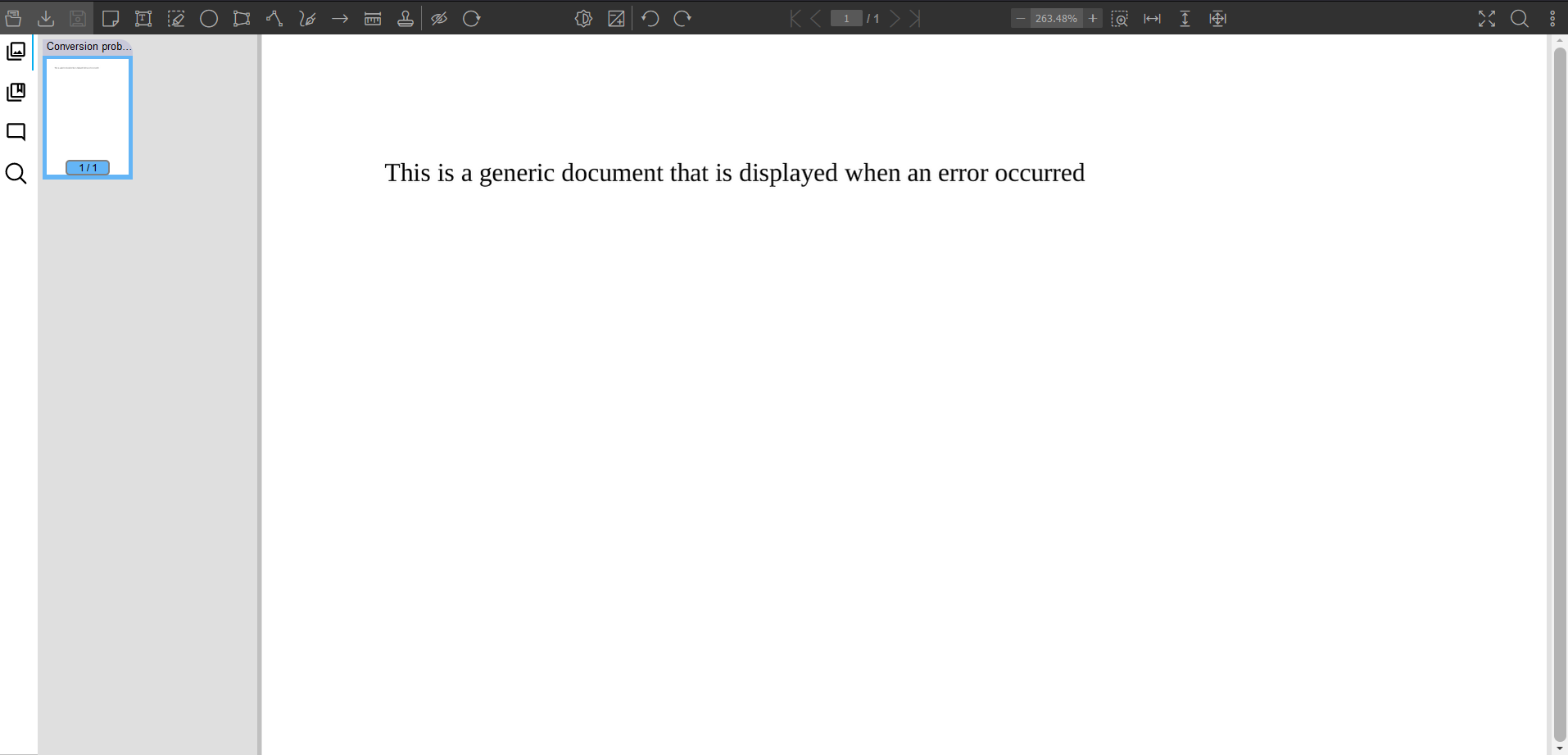
Image for rejected document
Since version 4.8.0, it is possible to configure the rendition server to display an image indicating that the document could not be loaded correctly.
Activate the feature
To activate the functionality, you will have to make a modification in the application.properties file in the document-service-broker microservice.
rejected.document.enabled=true
Change the default image
To modify the default image, you will have to make a modification in the application.properties file in the document-service-broker microservice.
rejected.document.path={path_to_the_file}
Change the title of the document
To modify the title of the document, you will have to make a modification in the application.properties file in the document-service-broker microservice.
rejected.document.title=Custom title
